README
1timezoneco plugin for DokuWiki
2
3Set up a different timezone for your dokuwiki.
4
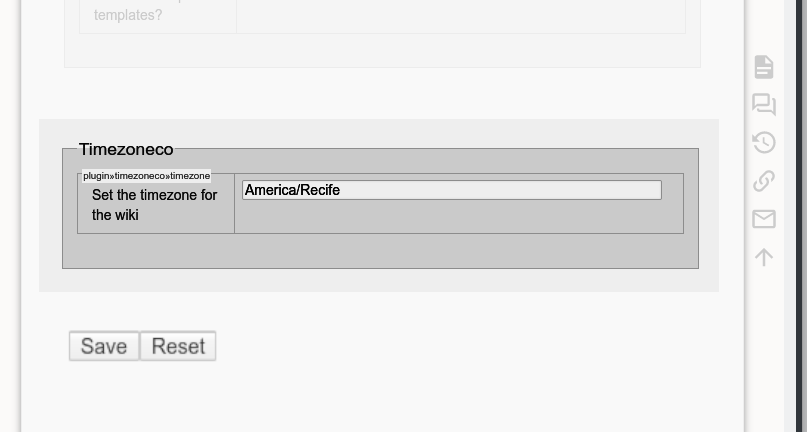
5Install the plugin and go to Admin > Configuration Settings.
6Under the "Timezone changer plugin" section, set your timezone
7(e.g. "America/Sao_Paulo"). Leave it empty to use the server default.
8
9No core file editing required. The plugin hooks into DokuWiki's
10startup event and applies the timezone automatically.
11
12All documentation for this plugin can be found at
13https://github.com/drbeco/timezoneco
14
15If you install this plugin manually, make sure it is installed in
16lib/plugins/timezoneco/ - if the folder is called different it
17will not work!
18
19Please refer to https://www.dokuwiki.org/extensions for additional info
20on how to install extensions in DokuWiki.
21
22
23Published at:
24
25https://www.dokuwiki.org/plugin:timezoneco
26
27
28----
29
30Copyright (C) Ruben Carlo Benante <rcb@beco.cc>
31
32This program is free software; you can redistribute it and/or modify
33it under the terms of the GNU General Public License as published by
34the Free Software Foundation; version 2 of the License
35
36This program is distributed in the hope that it will be useful,
37but WITHOUT ANY WARRANTY; without even the implied warranty of
38MERCHANTABILITY or FITNESS FOR A PARTICULAR PURPOSE. See the
39GNU General Public License for more details.
40
41See the LICENSING file for details
42